All of the Sparx software uses "Logon with Microsoft" -
When logging on select "Log in to Sparx using Microsoft"
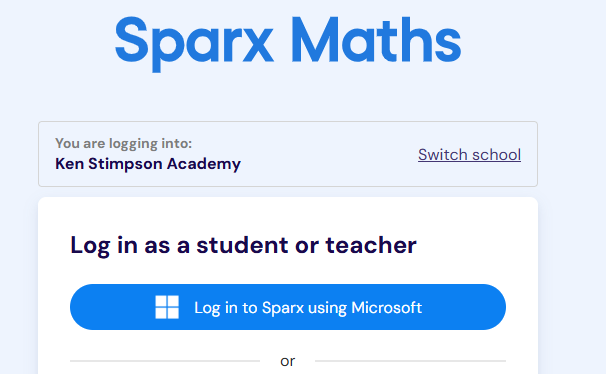
For students, this is then their full school email eg 21SmithK@kenstimpson.org.uk & then the password they use to logon to a school PC
If they are at home, they will need to have 2-factor setup & it will prompt them the first time they logon outside of school.
For a guide on how to setup this, please see- https://itservicedesk.kenstimpson.org.uk/a/solutions/articles/43000655335
We know some students struggle with this, so if they need assistance, please contact the head of year to arrange at time for IT Services to support setup of this.
Was this article helpful?
That’s Great!
Thank you for your feedback
Sorry! We couldn't be helpful
Thank you for your feedback
Feedback sent
We appreciate your effort and will try to fix the article